Explore Bytedance's revolutionary UI-TARS Desktop, an open-source Vision-Language Model agent that can autonomously see, understand, and control your computer desktop just like a human.
The Next Evolution of Computer Use by AI
For years, interacting with AI meant typing into a chat interface or leveraging API endpoints. But what if the AI could literally see your computer screen, move your mouse, and type on your keyboard to complete tasks for you? This is no longer science fiction. Bytedance has recently open-sourced UI-TARS Desktop, a cutting-edge Vision-Language Model (VLM) agent designed to autonomously navigate Graphical User Interfaces (GUIs).
UI-TARS (Task-oriented Autonomous Robotic System) fundamentally shifts the paradigm of Robotic Process Automation (RPA). Instead of relying on rigid, pre-programmed DOM selectors or exact pixel coordinates that break whenever a UI updates, UI-TARS uses "human-like" visual comprehension to locate elements, read text, and interact with the desktop natively.
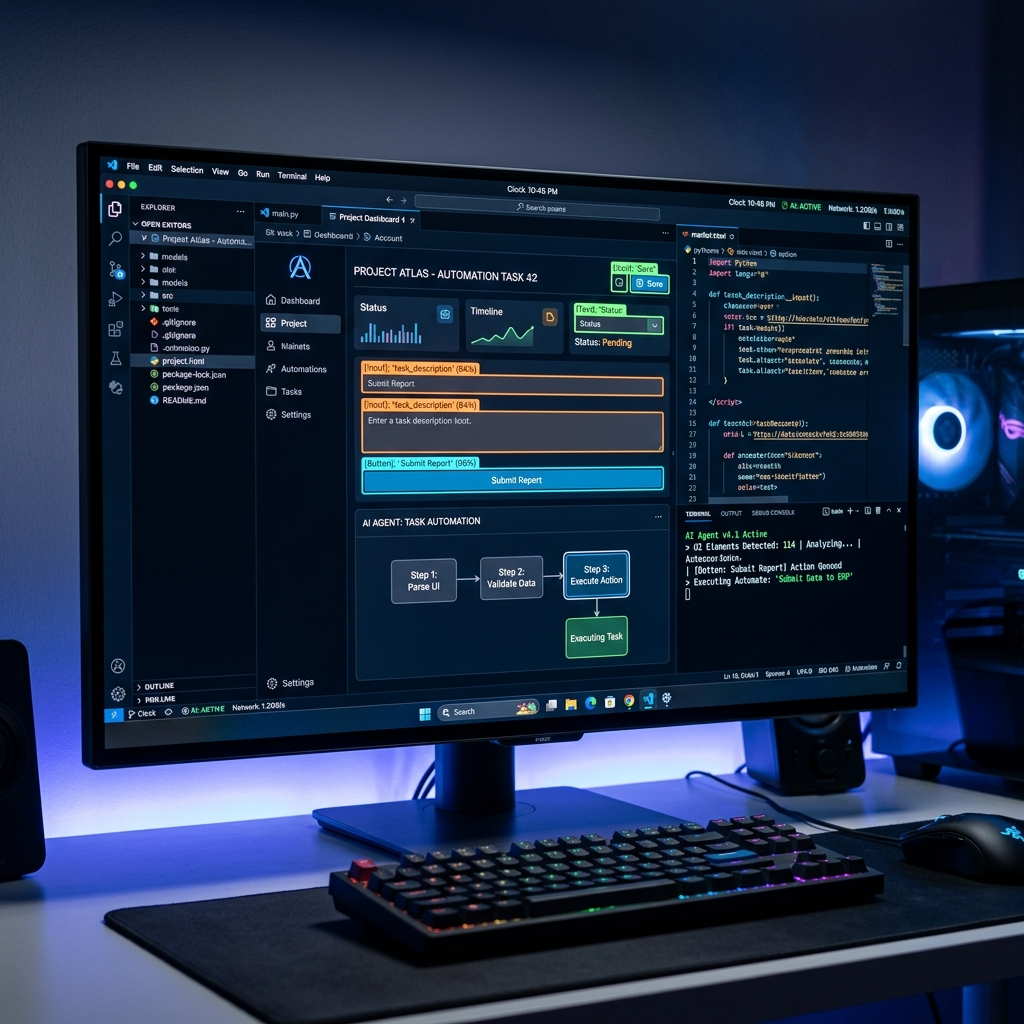
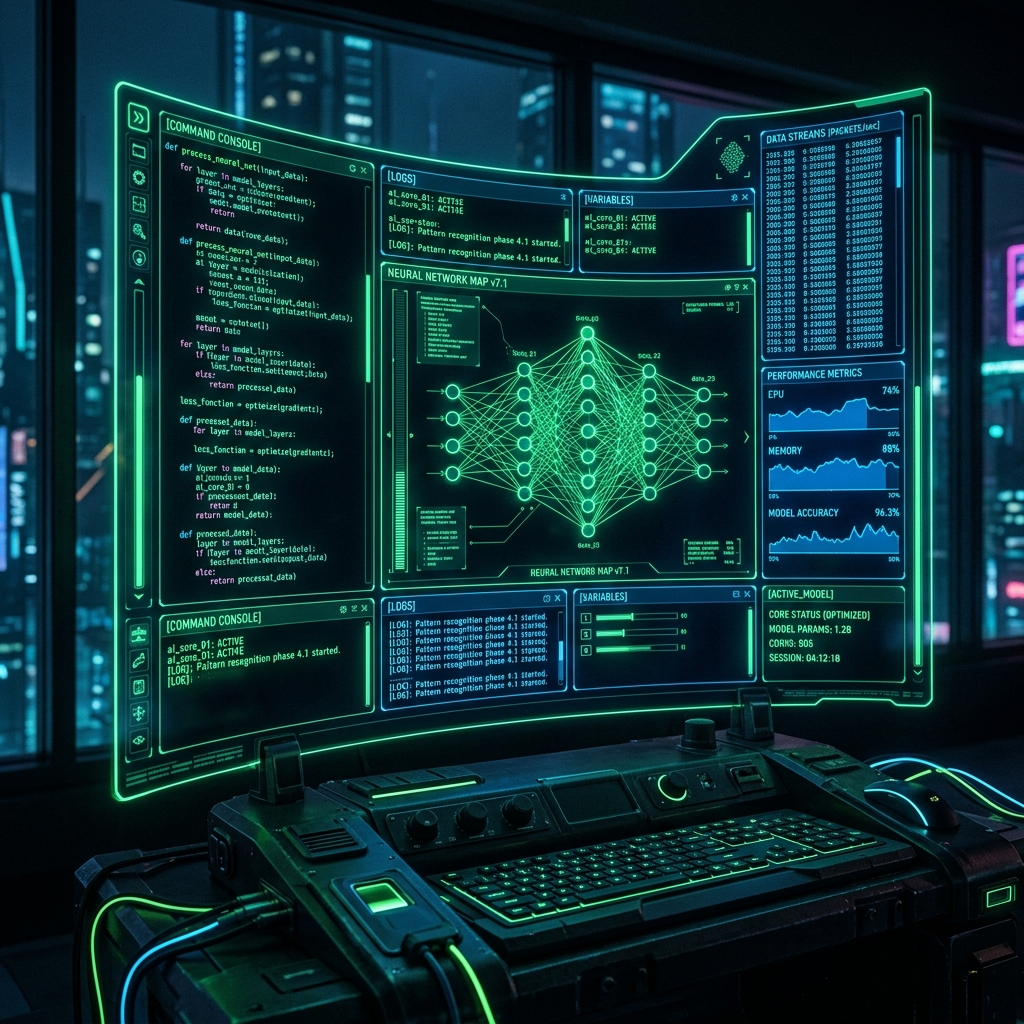
Advanced computer vision algorithms dynamically identifying and bounding UI elements on a modern desktop, preparing for autonomous execution.
How UI-TARS Desktop Works
At its core, UI-TARS relies on state-of-the-art multimodal large language models (MLLMs) capable of processing both text prompts and real-time screenshots of the user's desktop.
The Vision-Action Loop
- Perception: The desktop client captures the current screen state and sends it to the UI-TARS model.
- Reasoning: The VLM analyzes the visual elements (buttons, input fields, icons) in the context of the user's natural language instruction (e.g., "Book a flight to Tokyo for next Friday").
- Action: The model outputs specific spatial coordinates and actions (click, drag, type), which the desktop client then executes using OS-level accessibility APIs.
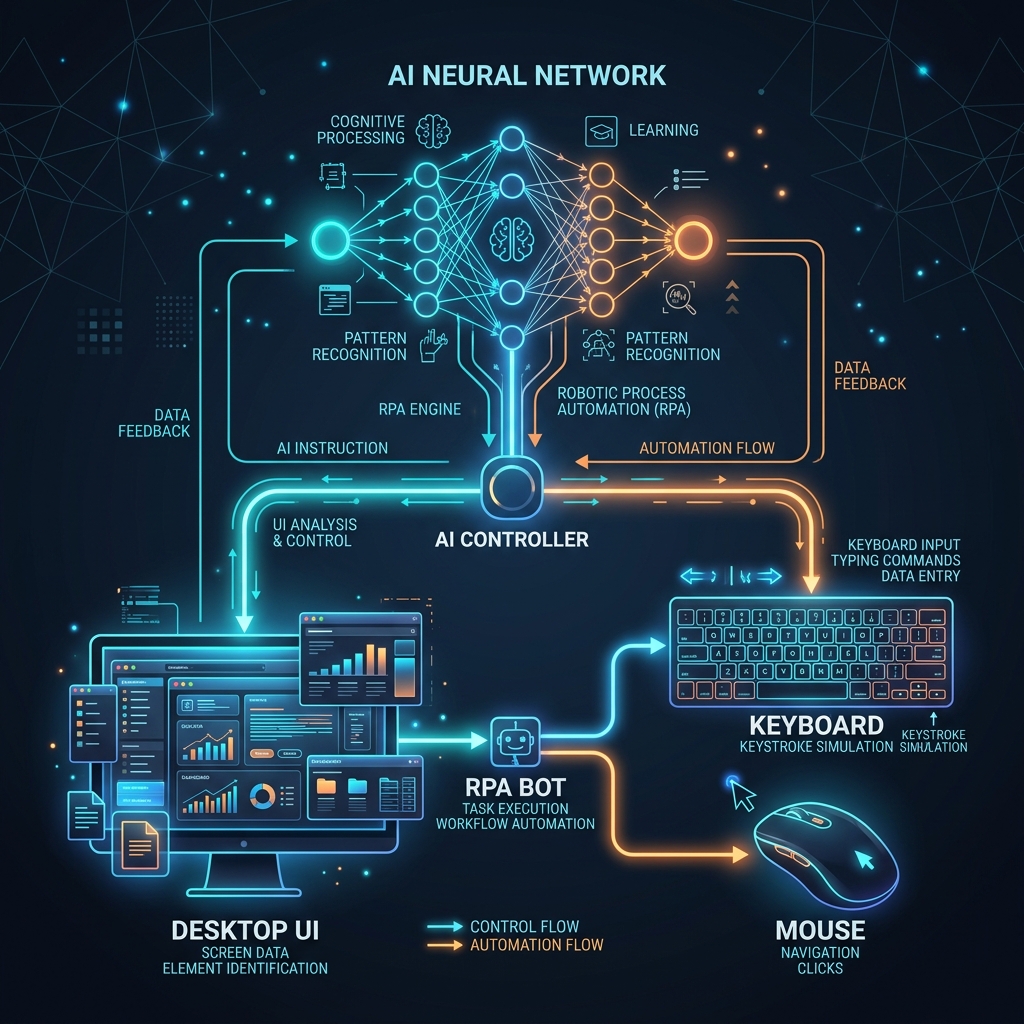
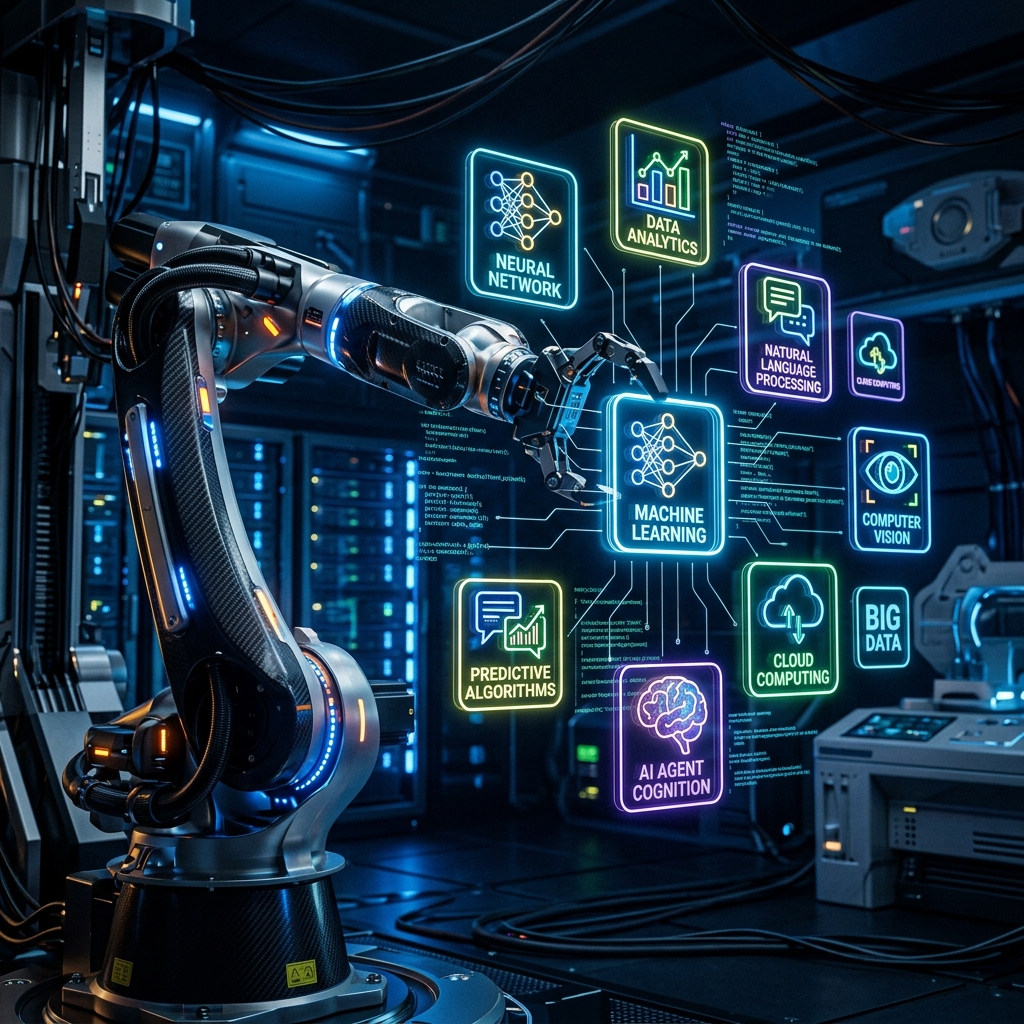
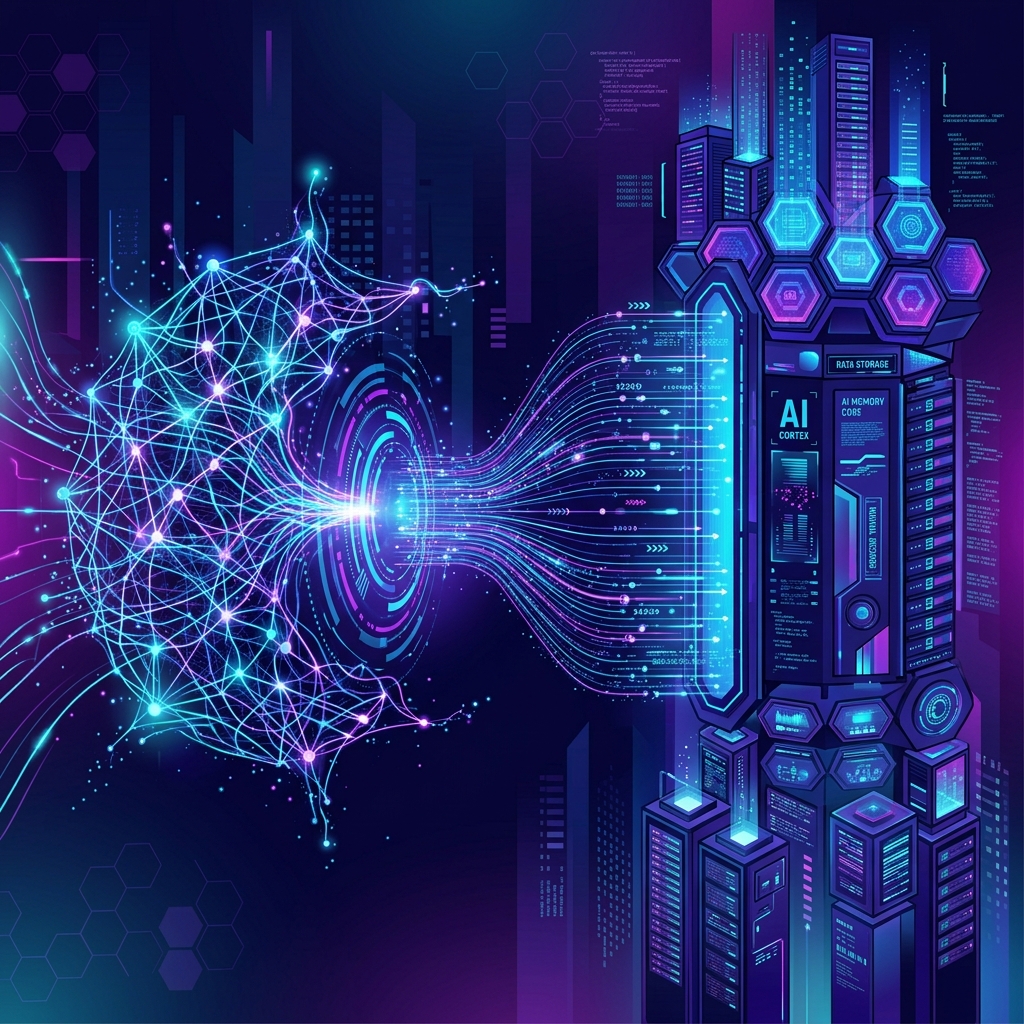
A conceptual architecture showing the neural network interpreting visual data to physically control the desktop mouse and keyboard.
Key Advantages Over Traditional RPA
Traditional automation tools like Selenium or conventional RPA bots require constant maintenance. If a website changes its button class from btn-primary to btn-blue, the script breaks. UI-TARS is immune to these fragile dependencies.
| Feature | Traditional RPA | UI-TARS Desktop |
|---|---|---|
| Element Targeting | DOM Nodes, XPaths, strict Pixel Coordinates. | Visual Recognition (OCR and Icon semantics). |
| Cross-App Capabilities | Requires complex APIs for each specific software. | Universal. If it's on the screen, UI-TARS can click it. |
| Resilience to UI Changes | Extremely brittle. Breaks upon minor design updates. | Highly resilient. Understands context like a human. |
| Setup Complexity | Requires writing hundreds of lines of specific code. | Prompt-based. Just describe what you want in plain English. |
"Bytedance's UI-TARS is bridging the gap between digital reasoning and physical execution. It doesn't just read about the digital world; it actively participates in it, serving as a universal copilot for any operating system."
Installation and Getting Started
The UI-TARS desktop client is designed to be cross-platform, supporting Windows, macOS, and Linux. It requires a backend model to process the visual data, which can either be hosted locally (for privacy) or accessed via cloud APIs.
Running the Client Locally
# Clone the Bytedance repository
git clone https://github.com/bytedance/UI-TARS-desktop.git
cd UI-TARS-desktop

# Install Node.js dependencies
npm install

# Configure your environment variables for the VLM endpoint
cp .env.example .env
nano .env # Add your model API keys here

# Launch the desktop application
npm run start
Once running, a transparent overlay or a minimal floating widget will appear on your desktop. You can then provide it with complex, multi-step instructions such as "Open Spotify, search for a Lo-Fi playlist, set the volume to 50%, and then minimize the window."
The Road Ahead: General Computer Use
The release of UI-TARS-desktop is a massive milestone in the quest for AGI (Artificial General Intelligence). True intelligence requires agency. By granting VLM agents the ability to navigate desktops with zero specialized APIs, we are unlocking an era where computers truly compute for us, managing tedious administrative tasks, data entry, and software testing autonomously.